

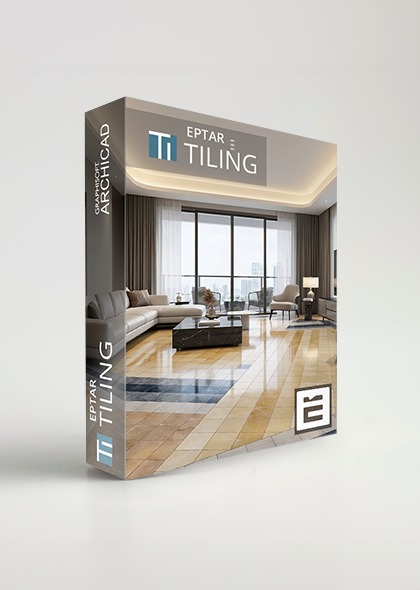
Tiling 3.9
English - German - Hungarian
Archicad 23-29
WIN - MAC
Perpetual
Total price: 228.6 €
180 € + VAT
Billing once
- ✓ Full version
- ✓ Priority Support
- ✓ 1 computer / license
Subscription - 1 year
Total price: 152.4 €
120 € + VAT / Year
Billing annually
- ✓ Updates for 1 Year
- ✓ Priority Support
- ✓ 1 computer / license
All prices are net prices and exclude VAT and local taxes
- Free texture, tile size and listing name definition
- Wall and floor polygon handling
- Door and window edges are supported
- Individual and complete row editing in one step
- Extra hole definition and editing
- Rectangular and polygon based individual placement
Supported versions:
- ArchiCAD 29
- ArchiCAD 28
- ArchiCAD 27
- ArchiCAD 26
- ArchiCAD 25
- ArchiCAD 24
- ArchiCAD 23

In ARCHICAD Student version the Tiling is working only in DEMO mode.
 Online Key registration
| Tiling solution Overview of Main Features |
DEMO | Full version |
|---|---|---|
| quick, automatic tiling | ||
| wall and floor tiling | ||
| polygonal tiling surfaces | ||
| curved tiled surfaces | ||
| tiling for window and wall edges | ||
| global tile settings | ||
| tile rows can be offset | ||
| changing tile rows for new types | ||
| inserting tile rows with different heights | ||
| diagonal tiling | ||
| using your own tile textures | ||
| tile arrangements with multiple textures | ||
| creating realistic tiling plans | ||
| printout document without DEMO label | ||
| tiles will not switch to DEMO mode when using Teamwork | ||
| continuous use without error messages | ||
| tiling views on the floorplan | ||
| extra holes option | ||
| curved-edged extra holes on floor | ||
| managing walls that were split into more parts | ||
| listing tiles according to gross/net m2 or pieces | ||
| built-in ArchiCAD Key Checker |